ePER explained: how to find the right Fiat, Alfa Romeo or Lancia part number
Ask any Fiat, Alfa Romeo or Lancia specialist for a part and the first thing they do is open ePER. It is the official electronic parts catalogue of the Fiat group, and once you understand how it is organised, it answers most “which part do I need?” questions faster than any forum. This guide explains what ePER is and, more importantly, how to read what it shows you.
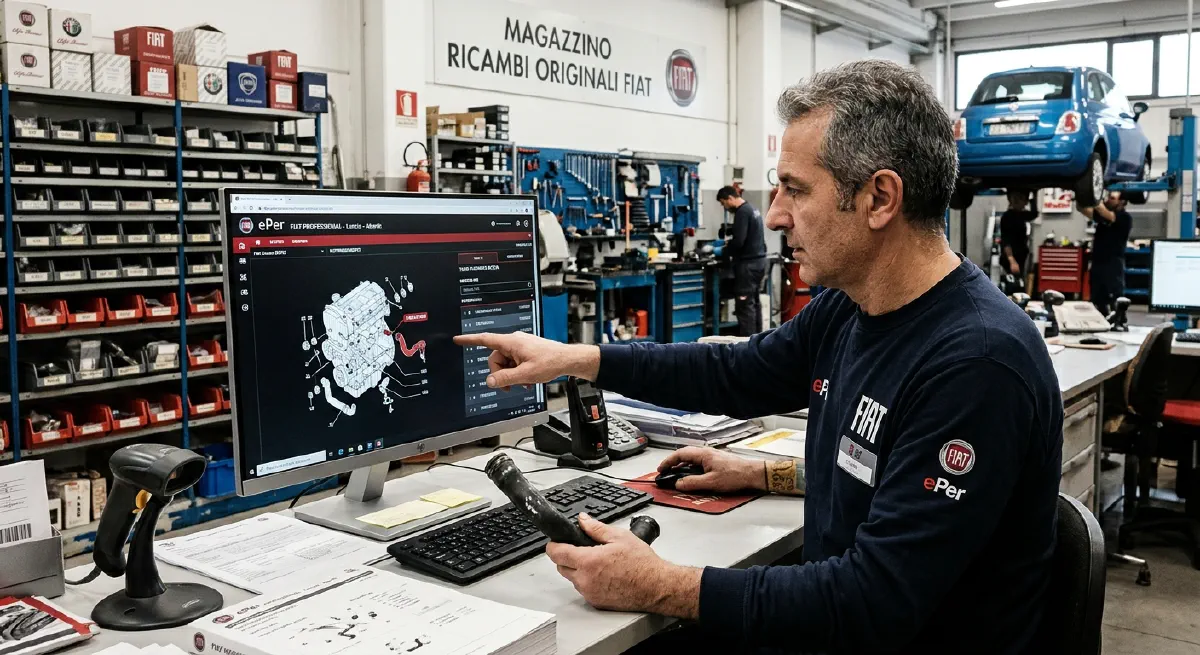
What ePER is
ePER is the application dealers use to look up parts for Fiat, Alfa Romeo, Lancia, Abarth and Fiat Professional vehicles. For years it was distributed on DVD, with roughly eight editions a year, each with an updated database. A web version runs over the manufacturer’s dealer network. The older versions are famously picky: the official manual lists only Internet Explorer 6 to 9 as supported browsers.
For enthusiasts, ePER data also lives on in other forms. The open-source openPER project, for example, is a modern front end for the original ePER database that lets you browse diagrams, search by VIN and search by part number. Whatever tool you use, the logic below is the same.
Two ways in: by VIN or by model
By VIN (recommended). Enter the full 17-character VIN. If the vehicle is in the database, ePER shows its main features and, from then on, filters the catalogue to parts that fit that car. Parts that don’t apply are shown greyed out and crossed through.
By model and version. No VIN? Pick the model and catalogue, then use Navigate by vehicle data to set engine size, fuel, number of doors and engine type. The fewer filters you set, the more parts you will have to rule out yourself. If you go straight into a catalogue without any vehicle data, you get the unabridged catalogue: every variant of every part for that model.
How the catalogue is organised
ePER drills down in four steps:
- Functional group: the main area of the car, such as engine, transmission or bodywork. You can pick it from a menu or by clicking on a car diagram.
- Subgroup: a narrower area within the group. Hovering over a group shows its subgroups.
- Table: an exploded drawing with its parts list. When you navigate by VIN, only the tables valid for that car are listed.
- Parts table: the list of parts next to the drawing. This is where the real information is.
Reading the parts table
This is where most mistakes happen, so it is worth knowing every column:
| Column | What it tells you |
|---|---|
| Position | The number of the part on the drawing. Hover over the row and the part is highlighted on the drawing. |
| Code | The part number you order with. Clicking it shows price information and replacements. |
| Description | What the part is. |
| Compatibility | Which versions the part fits: engine, trim, options, drive type. |
| Modifications | When the part was introduced or dropped during production. |
| Quantity | How many are used on the car. |
| Notes | Extra conditions, shown via a note icon. |
| Colours | For trim and coloured parts: the colour codes the part depends on. |
| Reconditioned / scrap | Exchange (reconditioned) part numbers and the original number they replace. |
Compatibility codes
The compatibility column uses a small logic language:
- a comma means or:
M1,M2fits either; - a plus means in combination with:
V1+009fits only with both; - an exclamation mark means without:
!008fits only cars without option 008.
Hover over a code to see what it means. A light bulb icon decodes all the codes on the page.
Modification numbers
The modifications column shows four-digit numbers with a letter in front:
- D (introduced): the part is fitted from this modification onwards;
- C (eliminated): the part is fitted up to this modification.
Each modification is tied to a date, an engine number or a chassis number. This is how you tell, for example, an early brake caliper from a late one on the same model. Hover over the modification to see where the change happened, then compare it with your own car’s chassis or engine number.
Replacements
Parts are often superseded by a newer number. The old number may no longer be orderable while the replacement is. Always check the replacement information behind the code before concluding a part is “no longer available”.
Common mistakes
- Ordering by position number. The position is only the number on the drawing. The code is what you order.
- Ignoring modification dates. Two cars of the same model and year can need different parts if one was built before a running change.
- Searching without a VIN when you have one. The VIN filter removes most wrong answers for you.
- Forgetting colour and trim codes on interior and body parts. The same part can exist in many colours, each with its own number.
When ePER doesn’t have the answer
ePER is a catalogue of what the factory supplied, not a list of what is still in stock anywhere. For older cars many numbers are discontinued, and the only way to get an original part is new old stock (NOS) or a good used part. Having the correct part number makes that search much easier, because you can look for exactly that number.
When you need help?
Sometimes, i can find a part online as well. Or, i ask help from a parts supplier like Italricambi who specialize in NOS. They can help source parts, even if they are not in stock